
|
| How to Send a Message |
|
After selecting a user, you will see the page where you will compose your
message. You will click in the "Subject" box and type a short subject
heading, then click in the message box and type your message. Finally,
you will click "Send message."
|
 
|
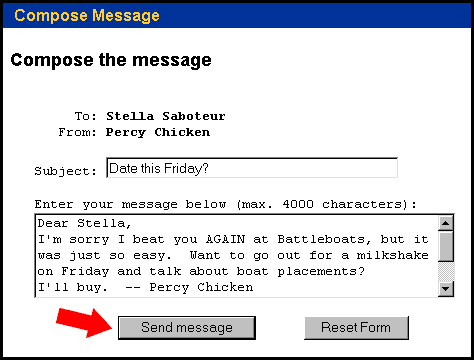
screen shot 


|